
litellm 1.82.8 Supply Chain Attack: Forensic Payload Analysis

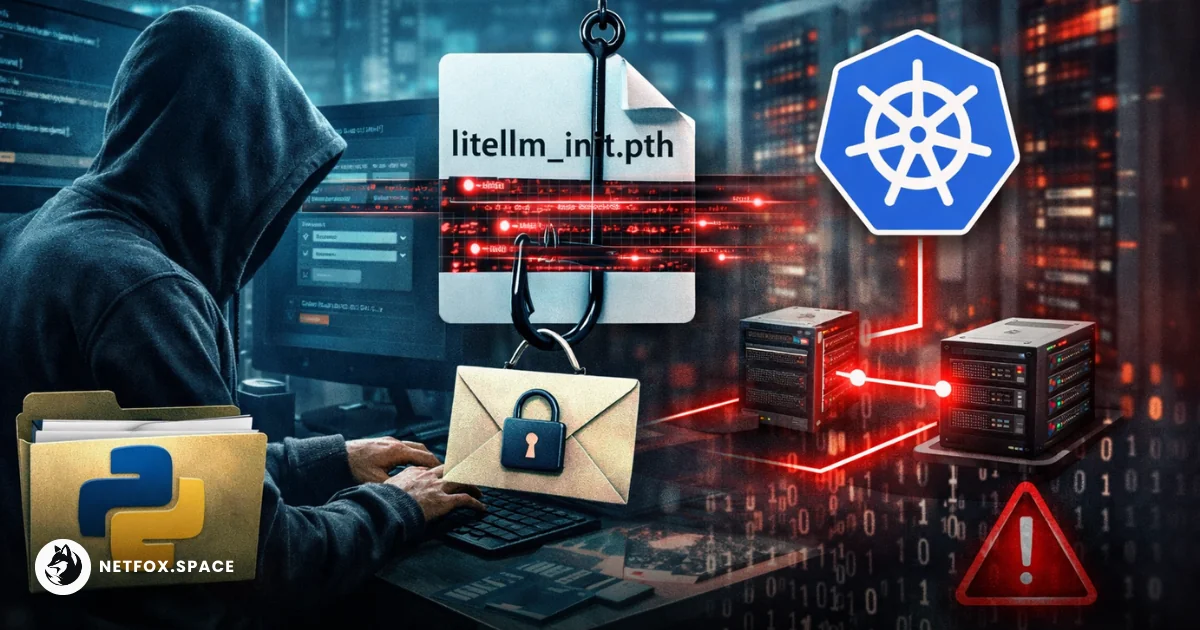
On March 24, 2026, the popular LLM proxy library litellm was compromised via a maintainer account takeover on PyPI. The threat actor, identified as TeamPCP, published versions 1.82.7 and 1.82.8, injecting a highly aggressive credential-stealing payload.
While v1.82.7 relied on a standard import hook within proxy_server.py, v1.82.8 escalated the attack by utilizing a .pth file. This mechanism ensures the payload executes the moment any Python interpreter starts in the compromised environment, regardless of whether litellm is ever imported by the application logic.
The .pth Execution Vector: Bypassing the Import Guard
The primary artifact in v1.82.8 is litellm_init.pth, a 34,628-byte file placed directly in the site-packages/ directory.
Python’s site module processes these path configuration files during interpreter initialization. While typically used for extending sys.path, any line starting with import is executed via exec(). TeamPCP leveraged this by embedding a base64-encoded orchestrator directly into the .pth file.
# Conceptual representation of the litellm_init.pth trigger
import subprocess, base64, sys; exec(base64.b64decode('...'))
This ensures that a data scientist launching a Jupyter notebook, a developer running a pytest suite, or a CI/CD runner executing a simple python --version check all trigger the malware.
Multi-Stage Payload and Encryption Logic
The payload is a triple-nested base64 structure designed to evade static analysis and string matching. Once decoded, the orchestrator performs a systematic sweep of the host filesystem.
The collection logic targets specific high-value artifacts:
-
Cloud Provider Metadata: Hits IMDS endpoints for AWS, GCP, and Azure to harvest temporary identity tokens.
-
Local Secret Stores: Scans
~/.aws/credentials,~/.kube/config, and~/.azure/. -
Infrastructure-as-Code: Targets
terraform.tfvars,.envfiles, and CI/CD configs (.gitlab-ci.yml,Jenkinsfile). -
SSH & Git: Exfiltrates the entire
~/.ssh/directory and.git-credentials.
The exfiltration process is not a simple cleartext POST. The malware implements a professional-grade encryption pipeline:
-
Symmetric Encryption: Collected data is compressed into
tpcp.tar.gzand encrypted using AES-256-CBC with a session key generated viaopenssl rand. -
Asymmetric Wrapping: The AES session key is then encrypted with a hardcoded 4096-bit RSA public key using OAEP padding.
-
Exfiltration: The encrypted bundle is sent via a silent
curlPOST tohttps://models.litellm.cloud/—a domain registered on March 23, 2026, to mimic official LiteLLM infrastructure.
Kubernetes Lateral Movement and Persistence
If the payload detects a Kubernetes service account token at /var/run/secrets/kubernetes.io/serviceaccount/token, it attempts to escalate from the pod to the cluster.
The harvester enumerates all nodes and attempts to deploy a privileged pod to every single one. These pods are configured with hostPID: true and hostNetwork: true, mounting the host's root filesystem at /host. This effectively grants the attacker full escape from the containerized environment to the underlying node hardware.
For persistent access, the malware installs a "System Telemetry Service":
-
Path:
~/.config/sysmon/sysmon.py -
Trigger: A
systemduser service (sysmon.service) that pollshttps://checkmarx.zone/rawevery 50 minutes for secondary binaries.
The Trivy Connection and Supply Chain Lineage
This incident is a direct downstream consequence of the compromise of the Trivy security scanner.
LiteLLM’s CI/CD pipeline pulled an unpinned version of Trivy from an apt repository. The compromised Trivy binary exfiltrated the PYPI_PUBLISH token from the GitHub Actions environment. Similar to the Jia Tan approach in the XZ Utils backdoor, the attacker waited for a specific window to use the stolen credentials, bypassing the official GitHub release workflow and uploading the trojaned wheels directly to PyPI.
Immediate Remediation Steps
If you installed litellm versions 1.82.7 or 1.82.8, you must assume all credentials on that machine are compromised.
-
Evict the Payload:
pip uninstall litellm -y find $(python3 -c "import site; print(' '.join(site.getsitepackages()))") -name "litellm_init.pth" -delete -
Check for Persistence:
systemctl --user stop sysmon.service rm -rf ~/.config/sysmon/ -
Rotate All Keys: This includes OpenAI/Anthropic API keys, AWS/GCP secrets, and SSH keys. Changing the password is not enough; the active tokens have been exfiltrated.
Comments (0)
Please login to comment
Sign in to share your thoughts and connect with the community
Loading...